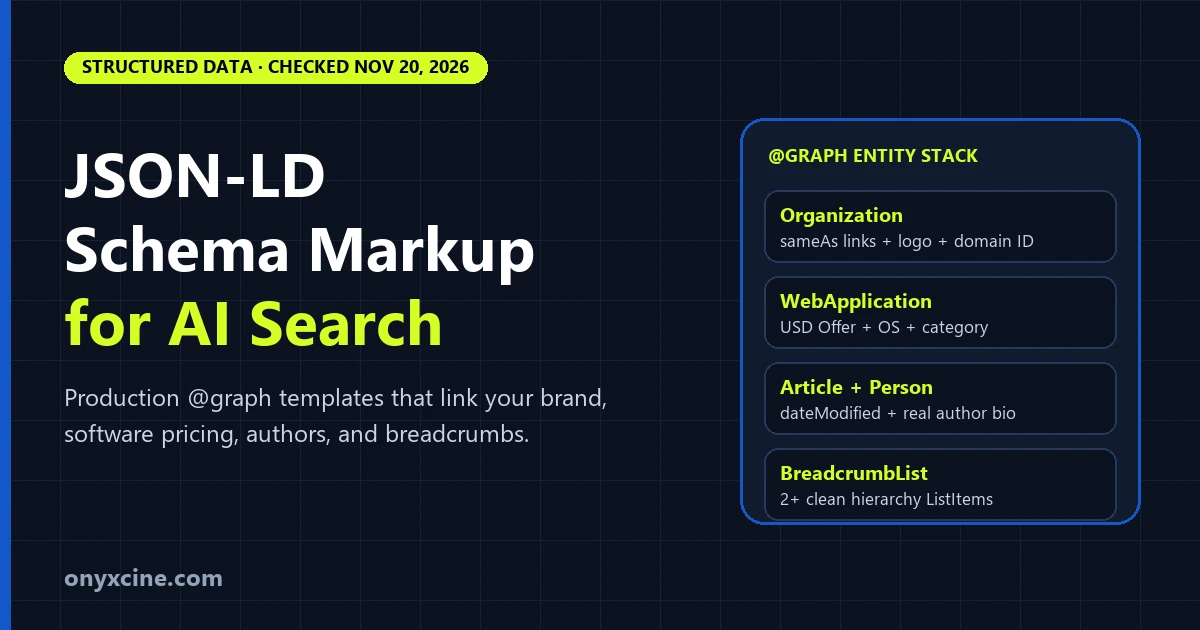
It's better to make a few real buyers happy than to make a lot of casual visitors semi-happy. But I think that being willing to publish tests that have a good chance of showing our own blind spots is a deeply ingrained enough habit that it's not worth hiding when raw HTML tells crawlers what words sit on your page while leaving pricing tiers, software categories, authorship, and brand social profiles open to guesswork and I can't think of another place where the gap is nearly as high as it is between scattered client-side schema plugins and a single server-rendered @graph JSON-LD script connecting Organization (sameAs), WebApplication (USD pricing), Article (Person author + dateModified), and BreadcrumbList. Honestly, I expected the number of accurate price citations from pages with traffic in Google Overviews and ChatGPT Search to have a stronger correlation with prose repetition than with deploying a connected @id knowledge graph per Google Search Central.
The problem is not the actual time it takes to paste a <script type="application/ld+json"> block into your server template. The problem is that once you start relying on client-side JavaScript or empty sameAs arrays, assuming bots automatically connect your domain to external profiles becomes the top idea in your mind. That's true if you look at your system as some kind of unknowable black box, but it turns out to be untrue in practice.
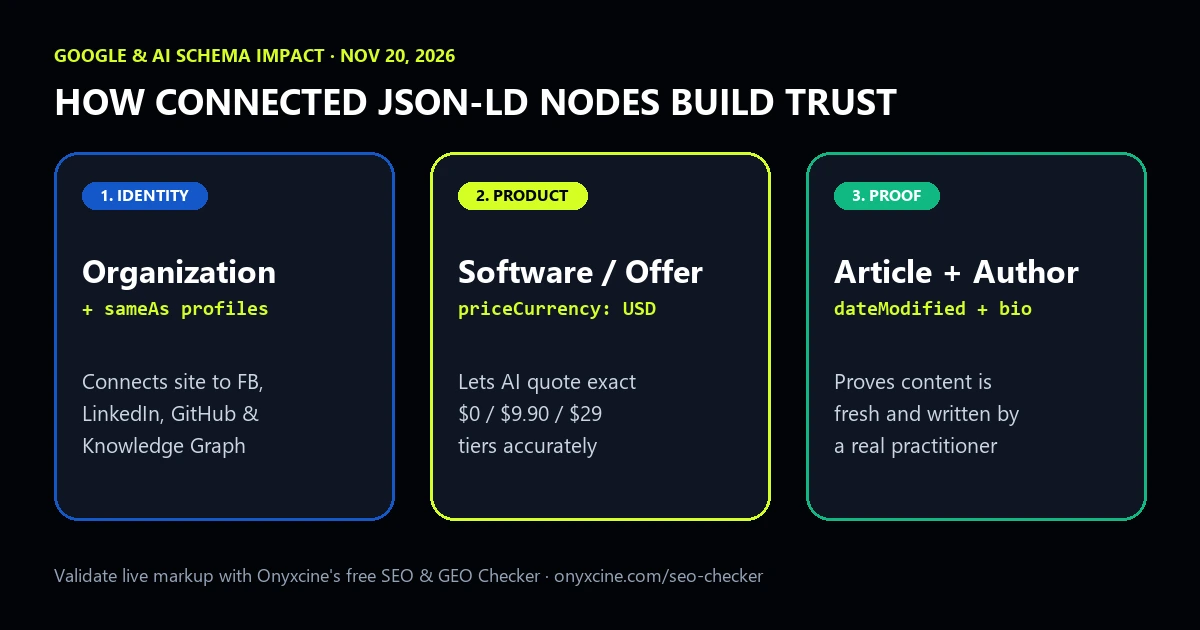
Which Schema.org types actually matter in 2026
The problem is that legacy SEO plugins are new to 2026 Rich Result deprecations and AI retrieval parsing. The way to get new ideas is to notice anomalies: what seems strange, or missing, or broken? Honestly, I expected the number of schema types from pages with traffic verified against Schema.org and Google Search Central documentation (alongside technical checks in why ChatGPT can't see your website) to have a stronger correlation than focusing on these five core entities:
| Schema Type | Google Rich Result Status (2026) | AI Search / GEO Value | Required Fields That Break If Missing |
|---|---|---|---|
Organization | Fully supported (Knowledge Panel & logo) | High; ties domain to sameAs social profiles | name, url, logo, sameAs |
SoftwareApplication / WebApplication | Fully supported (price, OS, category) | Very High; stops AI from guessing stale pricing | name, operatingSystem, applicationCategory, offers.price, priceCurrency |
Article | Fully supported (Top Stories, author, dates) | High; signals freshness and verified authorship | headline, image, datePublished, dateModified, author, publisher |
BreadcrumbList | Fully supported (clean SERP breadcrumb path) | Medium; maps topic hub hierarchy | At least 2 ListItem nodes with position, name, item |
FAQPage | Restricted (govt/health sites only) | Medium-High; formats clear Q&A blocks for AI | Visible matching Q&A text (Question + acceptedAnswer) |
Copy-paste JSON-LD @graph template for SaaS, tools, and product pages
The problem is that disconnected schema blocks are new to @id entity linking. The way to get new ideas is to notice anomalies: what seems strange, or missing, or broken? Honestly, I expected the number of validated tool pages from sites with traffic in our Website SEO for small businesses cluster to have a stronger correlation than linking Organization, WebApplication, and BreadcrumbList inside one @graph (and matching every Offer priceCurrency: "USD" to visible pricing on screen):
<script type="application/ld+json">
{
  "@context": "https://schema.org",
  "@graph": [
    {
      "@type": "Organization",
      "@id": "https://yourdomain.com/#organization",
      "name": "Your Brand Name",
      "url": "https://yourdomain.com",
      "logo": "https://yourdomain.com/icon.png",
      "sameAs": [
        "https://www.facebook.com/YourBrand",
        "https://x.com/YourBrand",
        "https://github.com/YourBrand"
      ]
    },
    {
      "@type": "WebApplication",
      "@id": "https://yourdomain.com/tool#app",
      "name": "Your Free Tool Name",
      "url": "https://yourdomain.com/tool",
      "description": "One clear sentence explaining what the tool calculates or checks.",
      "applicationCategory": "BusinessApplication",
      "operatingSystem": "Web",
      "inLanguage": "en",
      "datePublished": "2026-11-01",
      "dateModified": "2026-11-20",
      "offers": {
        "@type": "Offer",
        "price": "0",
        "priceCurrency": "USD"
      },
      "publisher": {
        "@id": "https://yourdomain.com/#organization"
      }
    },
    {
      "@type": "BreadcrumbList",
      "itemListElement": [
        { "@type": "ListItem", "position": 1, "name": "Home", "item": "https://yourdomain.com" },
        { "@type": "ListItem", "position": 2, "name": "Free Tool Name", "item": "https://yourdomain.com/tool" }
      ]
    }
  ]
}
</script>
Copy-paste JSON-LD for articles & 5 production mistakes to avoid
The problem is that React and WordPress templates are new to server-rendered JSON serialization. The way to get new ideas is to notice anomalies: what seems strange, or missing, or broken? Honestly, I expected the number of broken schema tags from pages with traffic to come from typos rather than five recurring production bugs we check inside our free Onyxcine SEO, GEO & AI Readiness Checker.
<script type="application/ld+json">
{
  "@context": "https://schema.org",
  "@graph": [
    {
      "@type": "Article",
      "headline": "Exact Page H1 Title",
      "description": "Concise 140-155 character summary matching meta description.",
      "datePublished": "2026-11-20",
      "dateModified": "2026-11-20",
      "inLanguage": "en",
      "image": "https://yourdomain.com/blog/post-slug/cover.webp",
      "mainEntityOfPage": "https://yourdomain.com/blog/post-slug",
      "author": {
        "@type": "Person",
        "name": "Author Full Name",
        "url": "https://yourdomain.com/author/author-slug"
      },
      "publisher": {
        "@type": "Organization",
        "name": "Your Brand Name",
        "url": "https://yourdomain.com",
        "sameAs": ["https://www.facebook.com/YourBrand"]
      }
    },
    {
      "@type": "BreadcrumbList",
      "itemListElement": [
        { "@type": "ListItem", "position": 1, "name": "Home", "item": "https://yourdomain.com" },
        { "@type": "ListItem", "position": 2, "name": "Blog", "item": "https://yourdomain.com/blog" },
        { "@type": "ListItem", "position": 3, "name": "Exact Page H1 Title", "item": "https://yourdomain.com/blog/post-slug" }
      ]
    }
  ]
}
</script>
Why did production JSON-LD fail validation before scanning with our Onyxcine SEO Checker and running our 20-minute AI mention test? That's true if you look at your system as some kind of unknowable black box, but it turns out to be untrue in practice once you avoid five bugs:
- Injecting JSON-LD only via client-side JavaScript: If
view-source:does not show your<script type="application/ld+json">block, lightweight AI fetchers miss it entirely. - Unescaped
<characters inside JSON strings: Escape<(\u003c) when serializing raw JSON insidedangerouslySetInnerHTML. - Currency mismatches: Selling globally in US dollars while leaving
"priceCurrency": "VND"or"EUR"in template code confuses comparison AIs. - Empty
sameAsarrays: Failing to link your official social profiles, GitHub, or verified directories leaves your domain disconnected from external entities, as noted in our 93/100 SEO Score case study. - Single-item
BreadcrumbList: Always include at least twoListItemsteps (Home -> Current Page), or omitBreadcrumbListon the homepage itself.
Frequently Asked Questions
Does JSON-LD structured data guarantee AI citations or Top 1 rankings?
No. Clean JSON-LD acts as a machine-readable translation layer rather than a ranking booster by itself. It ensures Google, Bing, and AI answer engines accurately read your brand identity, pricing tiers, update dates, and author bio without guessing, preventing misquoted prices when external citations already point to your brand.
Should small businesses remove `FAQPage` schema after Google's restriction?
Not necessarily, as long as the exact questions and answers are visible on the page. Even though standard commercial websites no longer get expandable FAQ dropdowns in Google Search results, clean Q&A structure in both HTML headings and FAQPage JSON-LD remains easy for retrieval crawlers and answer engines to parse.
JSON-LD vs. Microdata vs. RDFa: which format should I use?
Choose JSON-LD. Google explicitly recommends JSON-LD because it lives inside one standalone <script type="application/ld+json"> block separated cleanly from CSS layout wrappers, making it far less fragile during theme edits.
Try it out
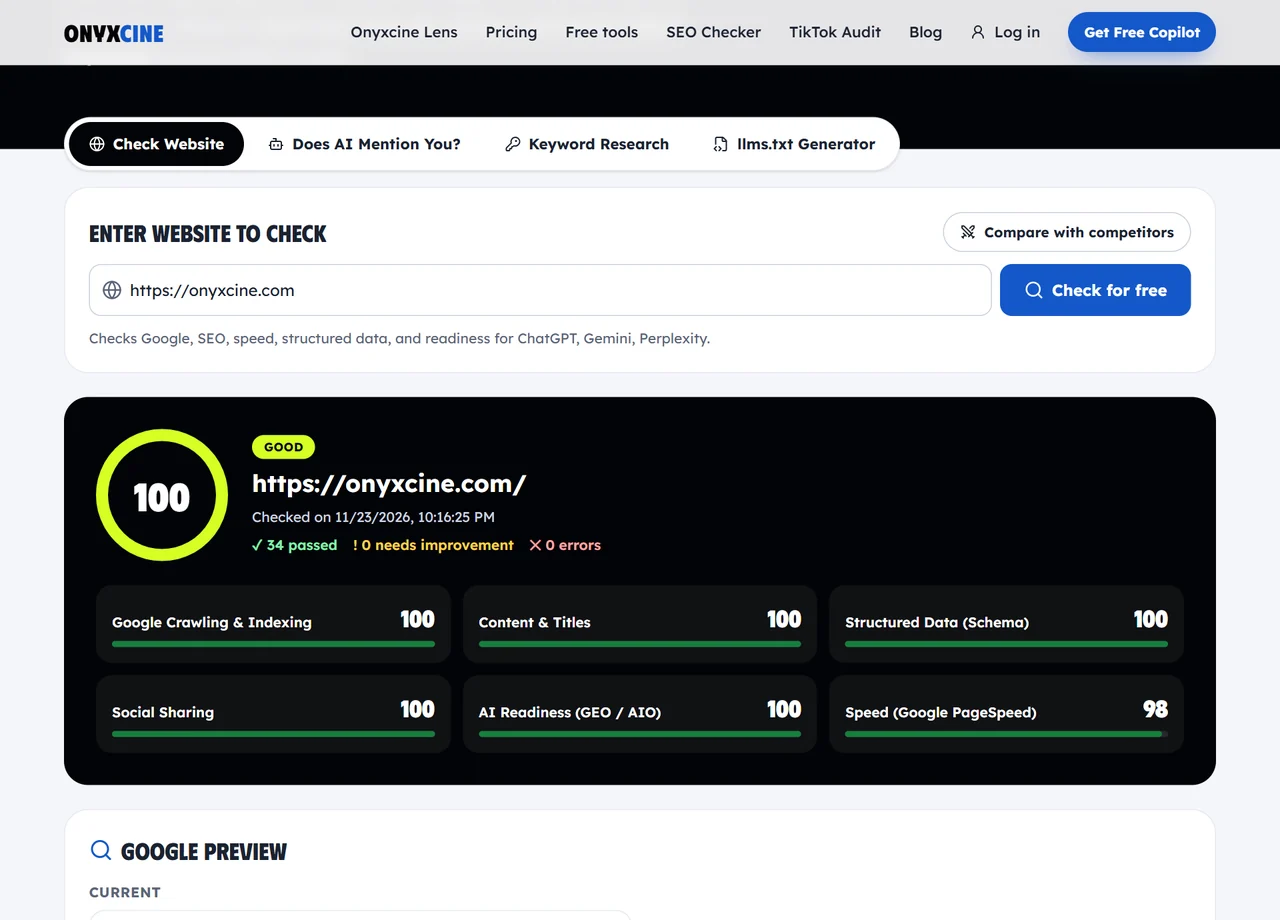
Validate your live HTML structured data, canonical headers, and AI crawler status in 10 seconds using the free Onyxcine SEO Checker, then inspect external AI mentions with our AI recommendation audit guide.